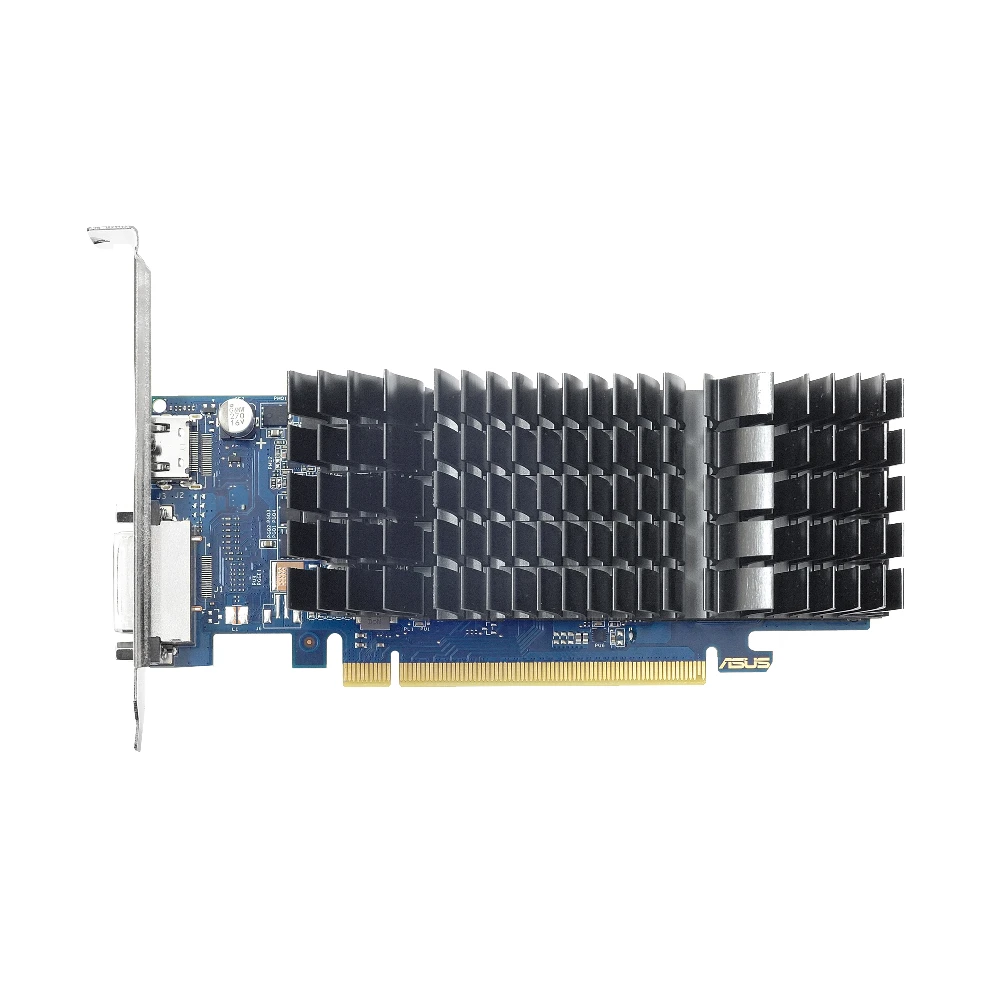
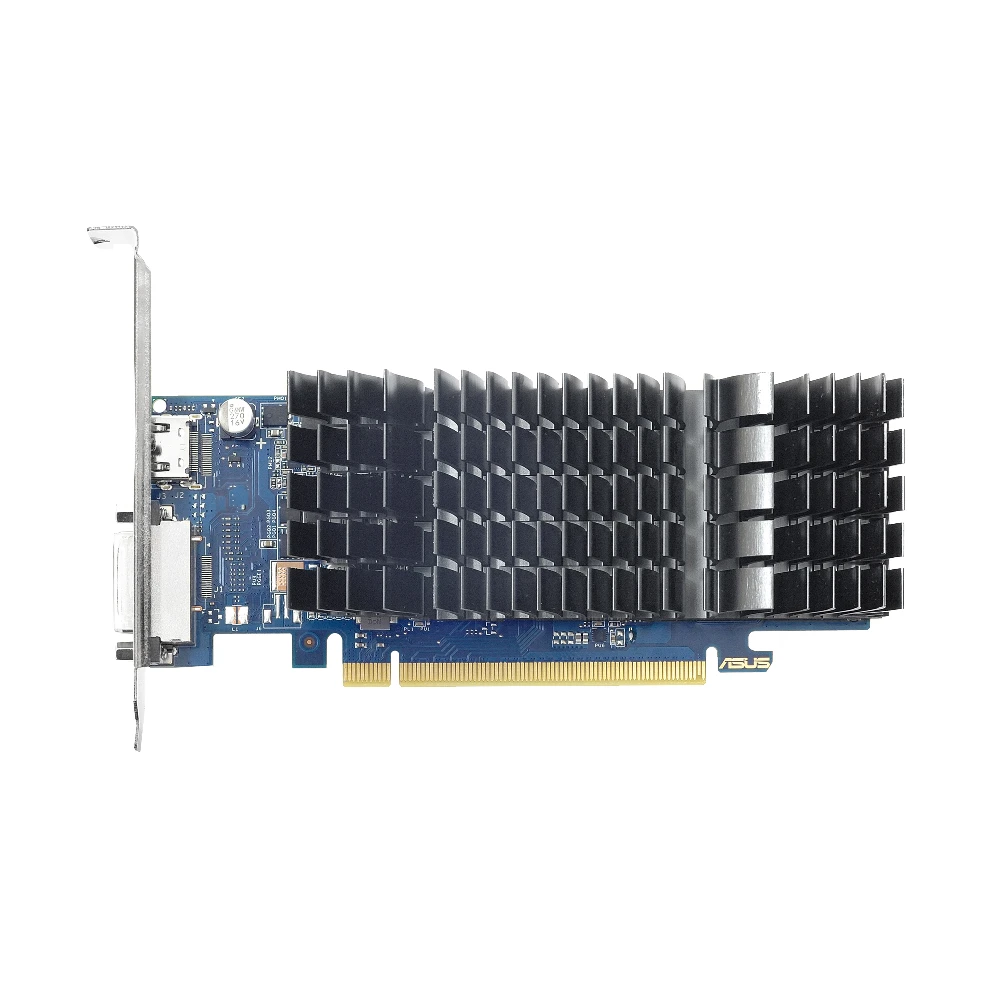
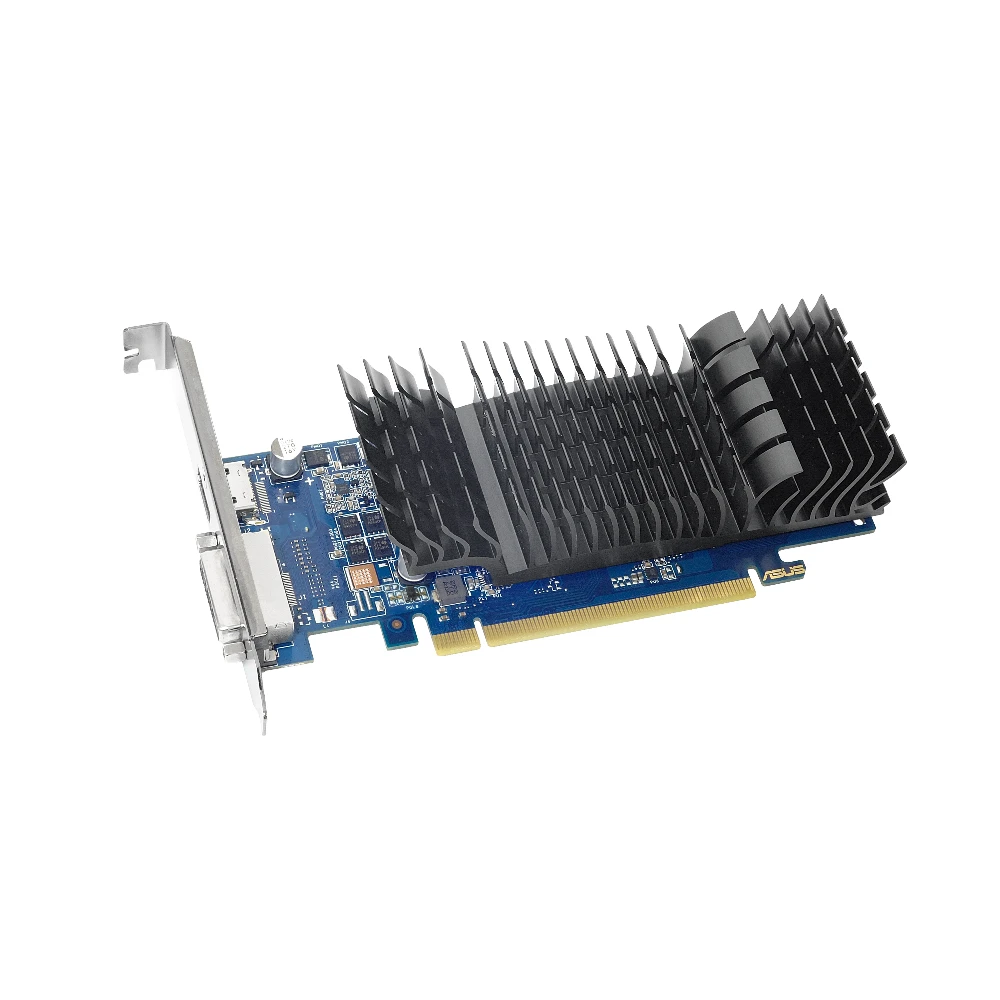
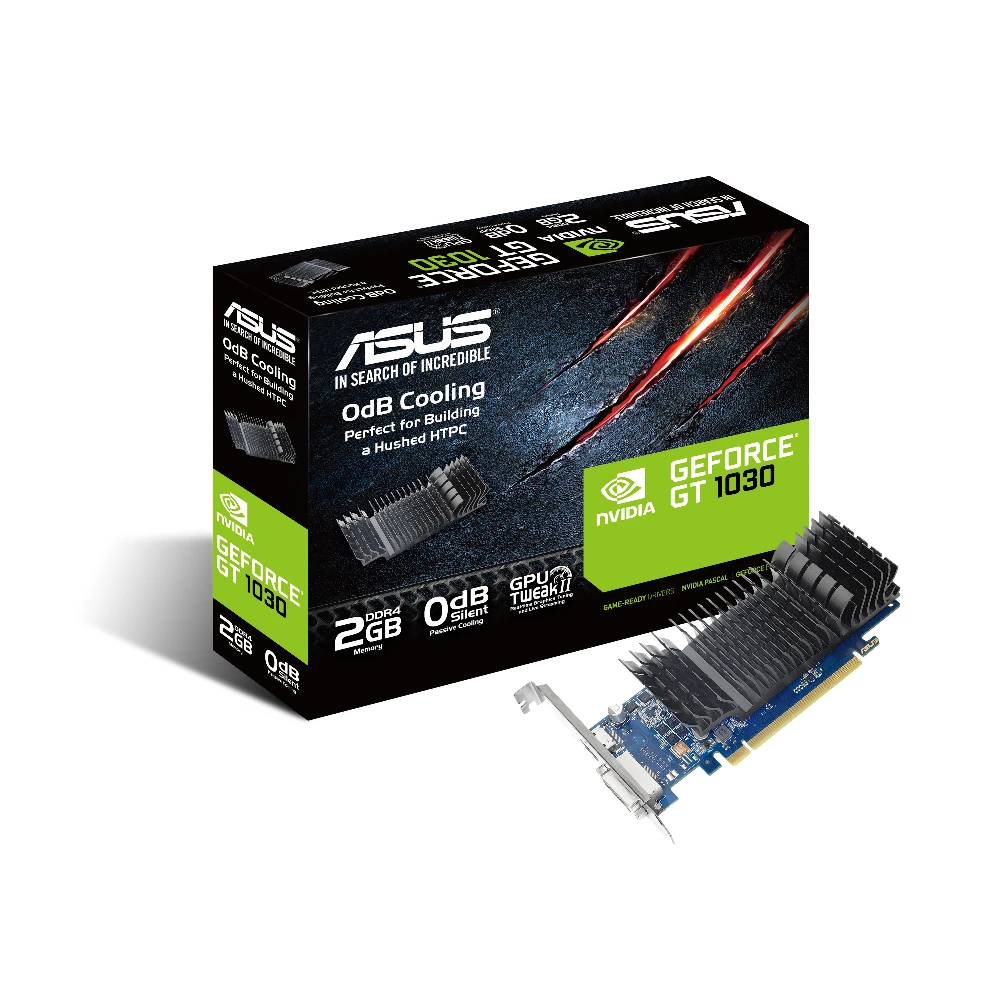
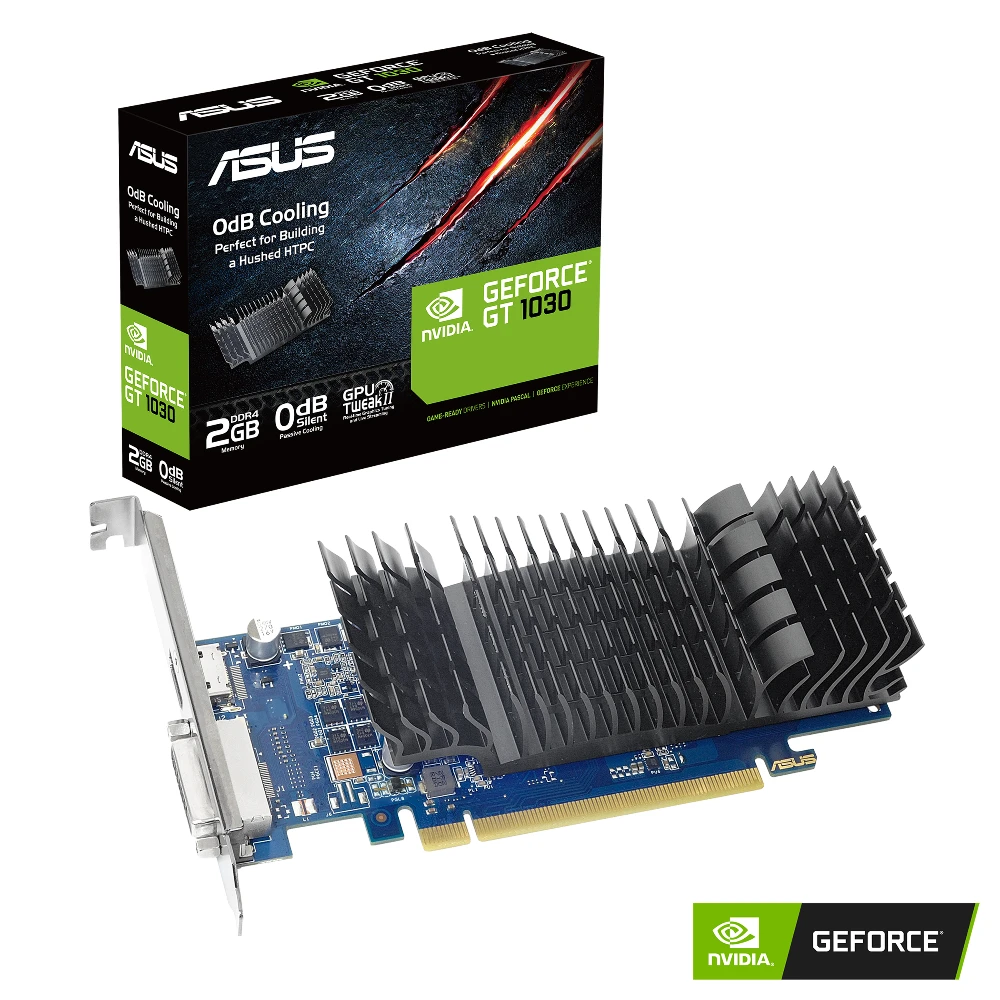
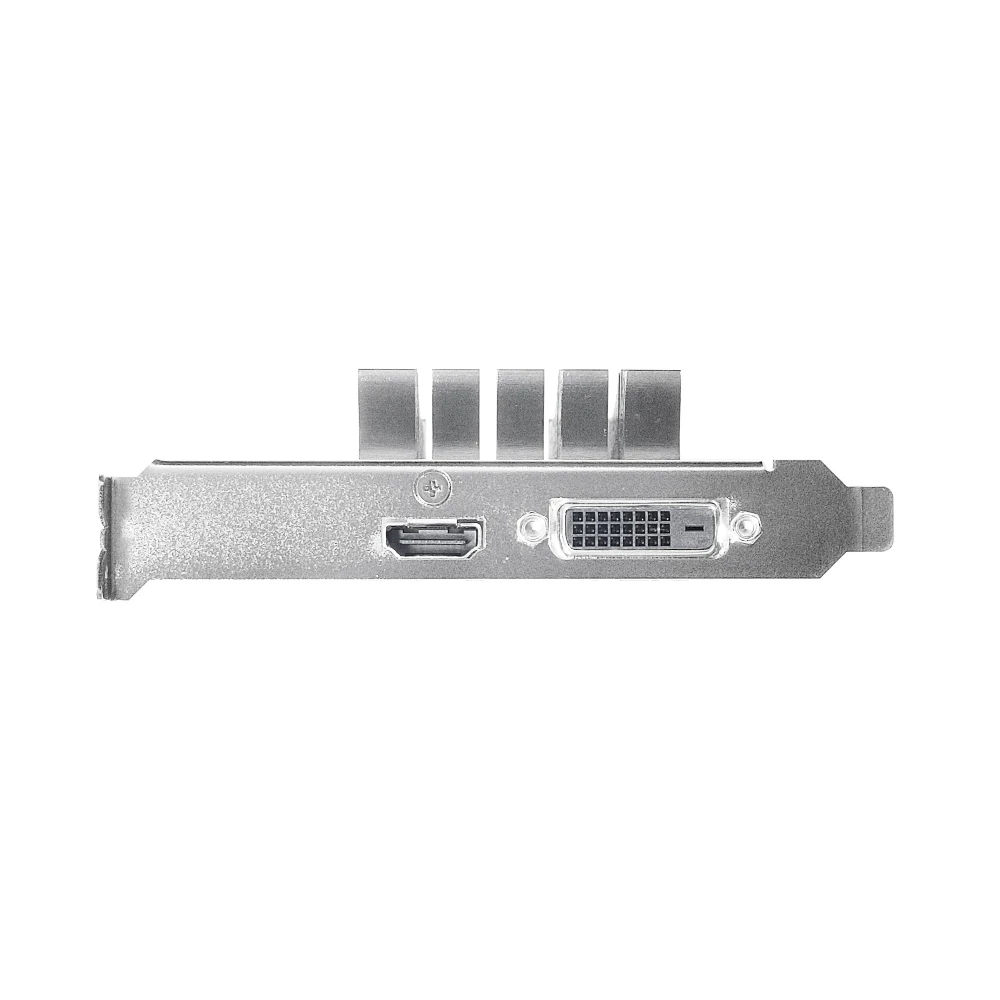
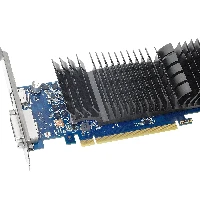
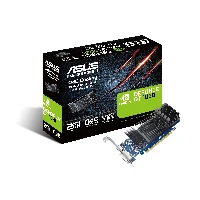
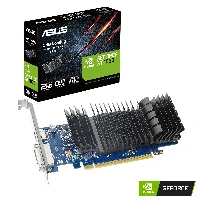
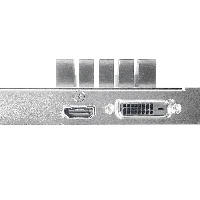
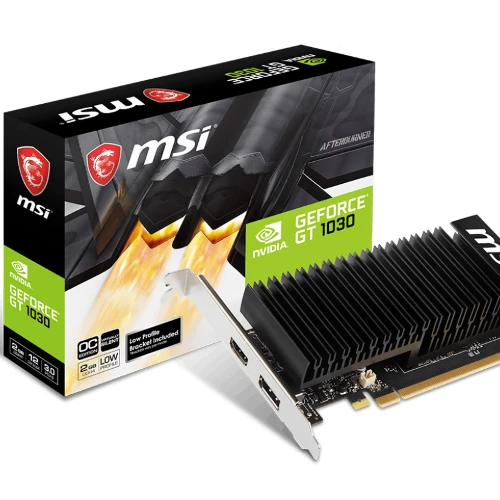
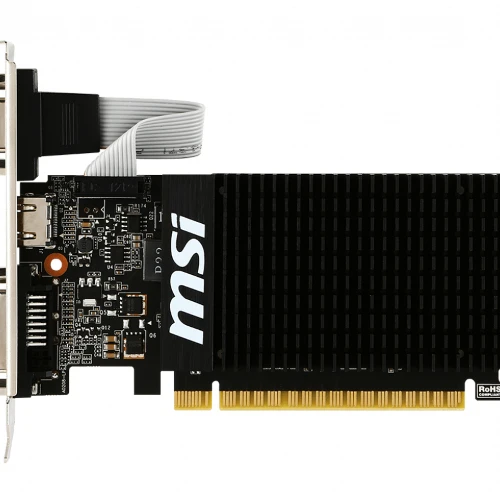
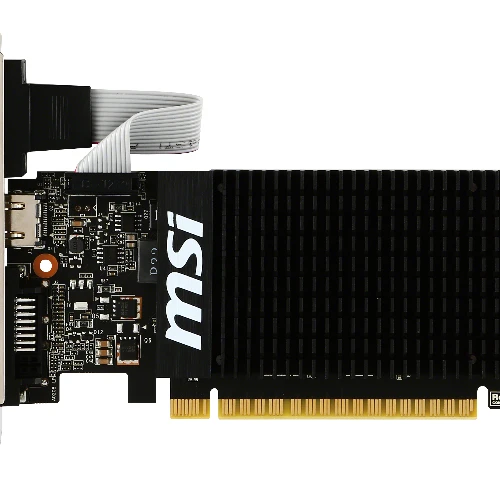
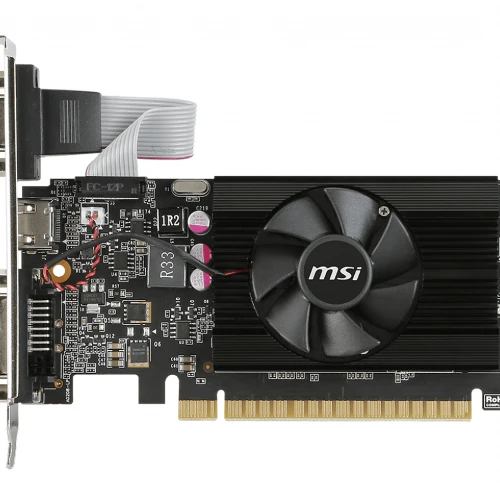
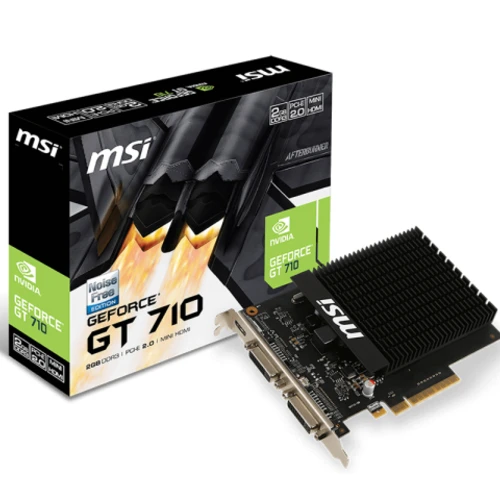
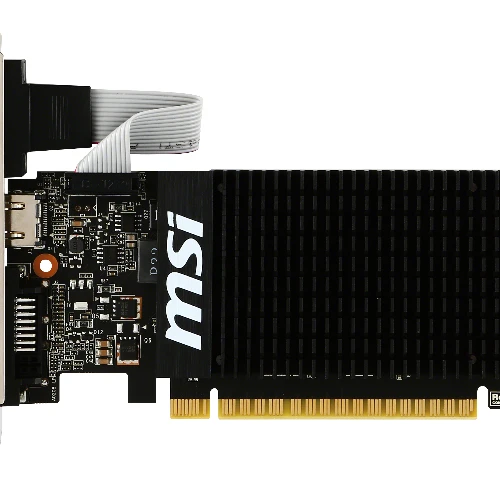
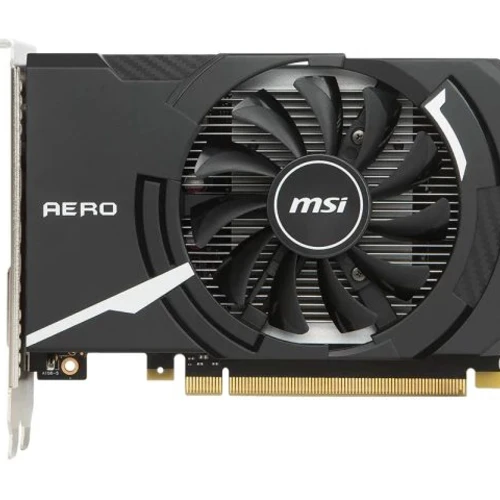
NVIDIA GeForce GT 1030, 1189MHz, 2GB GDDR4, 64 bit, 2100MHz, PCI Express 3.0, 1 x HDMI (2.0b), 1 x DVI-D, CUDA, DirectX 12.0, OpenGL 4.5, 300W
ASUS GT1030-SL-2GD4-BRK. Graphics processor family: NVIDIA, Graphics processor: GeForce GT 1030, Processor frequency: 1189 MHz. Discrete graphics card memory: 2 GB, Graphics card memory type: GDDR4, Memory bus: 64 bit, Memory clock speed: 2100 MHz. Maximum resolution: 4096 x 2160 pixels. DirectX version: 12.0, OpenGL version: 4.5. Interface type: PCI Express 3.0. Cooling type: Passive
Graphics galore for everyone!
ASUS GeForce GT 1030 is the fantastic graphics card from ASUS. Engineered with a highly-efficient 0dB thermal design, it dissipates heat in complete silence ? making GT 1030 the perfect choice for your slimline home-theater PC (HTPC) build. Exclusive Auto-Extreme Technology for premium quality and best reliability. It also has GPU Tweak II for intuitive performance tweaking.
0dB Silent Cooling
Perfect for building a hushed HTPC
Exclusive ASUS-designed heatsinks with large surface areas effectively cool graphics cards passively so absolutely no sound is produced while running - perfect for high definition and silent home theater PCs and multimedia centers.
Auto-Extreme Technology
Precision automated manufacturing
Auto-Extreme Technology is an automated manufacturing process that sets new standards in the industry by allowing all soldering to be completed in a single pass. This reduces thermal strain on components and avoids the use of harsh cleaning chemicals, resulting in less environmental impact, lower manufacturing power consumption, and a more reliable product overall.
GPU Tweak II
Monitor, tweak, and tune
The ASUS GPU Tweak II utility takes graphics card tuning to the next level. It allows you to tweak critical parameters including GPU core clocks, memory frequency, and voltage settings, with the option to monitor everything in real-time through a customizable on-screen display. Advanced fan control is also included along with many more features to help you get the most out of your graphics card.


 Italiano